MercekLab
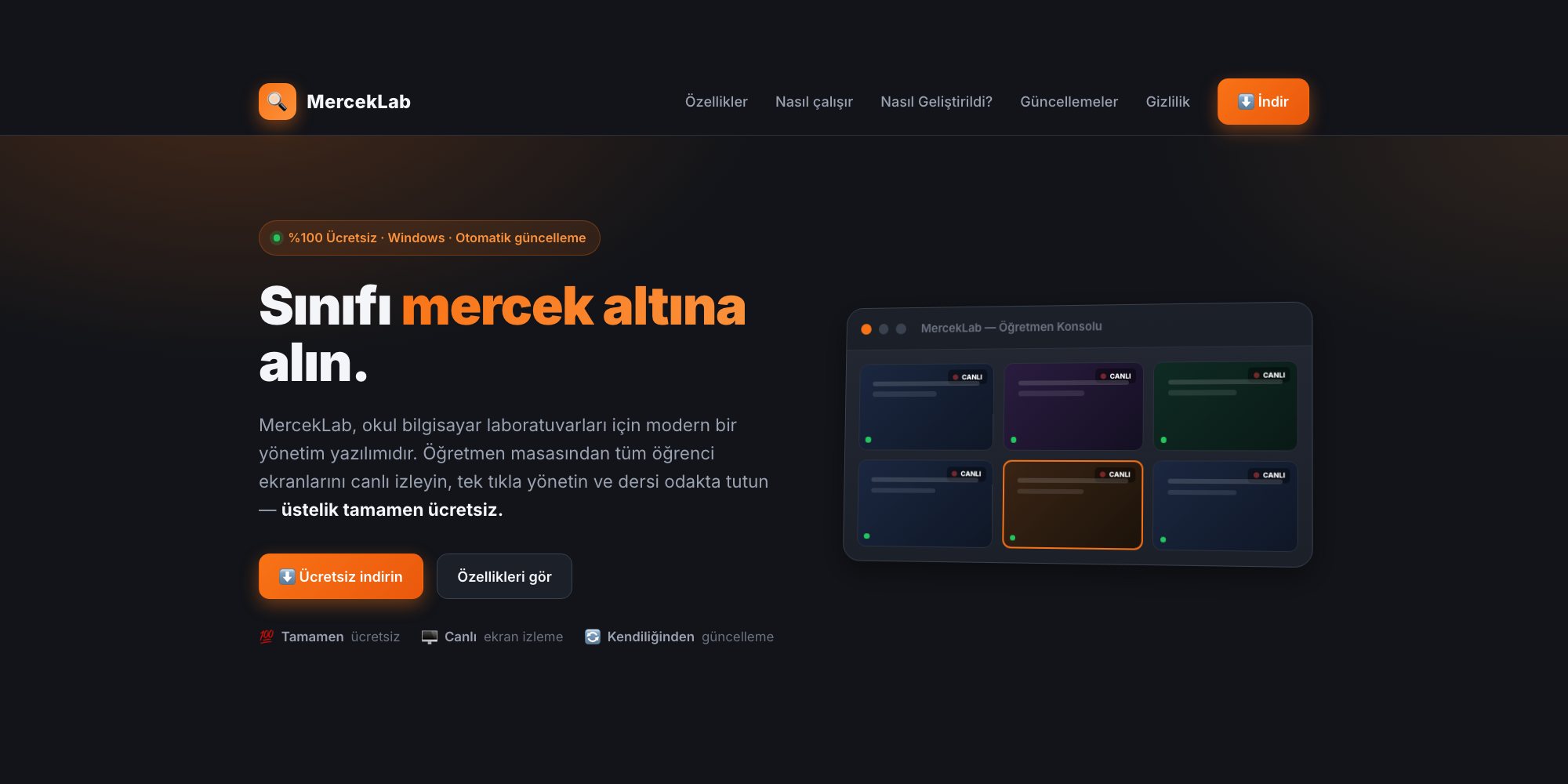
A free classroom management tool for school computer labs. Watch every student screen live from the teacher’s desk; lock screens, broadcast, share files and keep the lesson on track.
- Role
- Idea, design and development (AI-assisted)
- Year
- 2026
- Stack
- Go · Windows API (Win32) · WebView2 · MJPEG · UDP · Claude Code
MercekLab is a free classroom management tool I built for school computer labs. From the teacher’s desk you can watch every student screen live, manage the class with one click and keep the lesson on track. It started from the real needs of a computer lab, and every release was tested in a real lab.
What it does
- Live screen monitoring: every student screen in one grid; click a card to enlarge it.
- Lock and message: lock screens and keyboards with one click, send a message to the screen.
- Screen broadcast: show the teacher’s screen full-screen to selected students or the whole class.
- Remote help: take over a student’s mouse and keyboard to show where they are stuck.
- Files and assignments: send files to the class and collect finished work with one click.
- Allow list: only approved programs can run; anything else is closed instantly.
- USB and desktop lock: block flash drives and lock the desktop background.
- School bell and auto-lock: screens lock during breaks and unlock in class, following the timetable.
How it works
It has two parts: the teacher console on the teacher’s computer and the student agent that runs quietly as a service on student computers. The console finds student computers on the network automatically. All traffic stays on the school’s local network with no cloud dependency, and new versions install themselves over the internet.
Privacy
MercekLab is a classroom management tool, not a surveillance tool. Its purpose is to keep the lesson focused and protect the lab.
- Keystrokes are never recorded.
- Screenshots are never written to disk.
- Data stays on the local network; nothing is sent to the cloud.
Under the hood
Both the console and the agent are written in Go and cross-compiled from macOS to a single dependency-free Windows .exe. Screen and keyboard locks, input takeover, USB and desktop locks use the Windows API (Win32) directly. The console runs in its own desktop window with WebView2. Live screens stream over low-latency MJPEG, student computers are discovered via UDP broadcast, and updates are verified with SHA-256.
AI-assisted development
I built most of it with Claude Code, using AI as a tool. The idea, feature priorities, interface and brand design, field testing and the decision to offer it to schools for free are mine. AI speeds up the code; people decide what gets built, why and for whom.
MercekLab is completely free: no licence fee, subscription or user limit. The first release (v0.1.0) shipped in October 2026; the current version is v0.1.11. The software and its website are in Turkish.